The consultant login opens Scentsy Workstation, not the public customer account. Use the official Workstation route and keep Pay Portal credentials separate.
Quick answer: Open the verified Workstation page, confirm the domain, enter the account information requested there, and use official password reset or support when access fails.
Independent informational guide. This website is not owned, operated, endorsed or authorized by Scentsy, Inc. Enter account credentials only on a verified Scentsy-controlled website.
Which Scentsy Account Should You Use?
This page focuses on consultant identity, account status and what appears after sign-in. Customers use an email/password shopping account. Consultants use Workstation. Eligible payouts are managed in Pay Portal.
Related help is available in the Scentsy Club Login and Customer Account Help and the Pay Portal account help.
Before You Sign In
Use a supported browser, a stable connection and the market attached to the consultant account. Disable copied password-manager entries if they keep submitting an old value. Never use a social media message or search advertisement as proof that a login page is genuine.
For related guidance, use the Scentsy Login Safety and Verification.
Step-by-Step Login
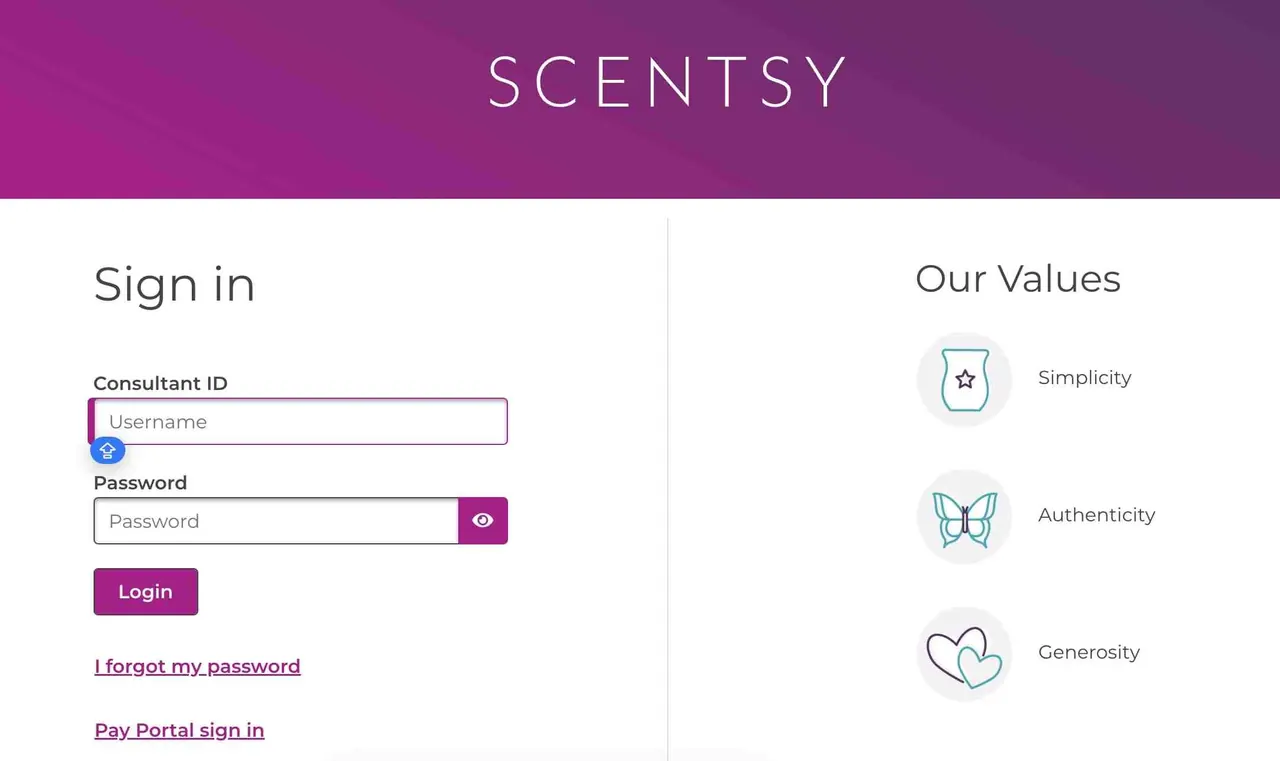
- Open the official Workstation address.
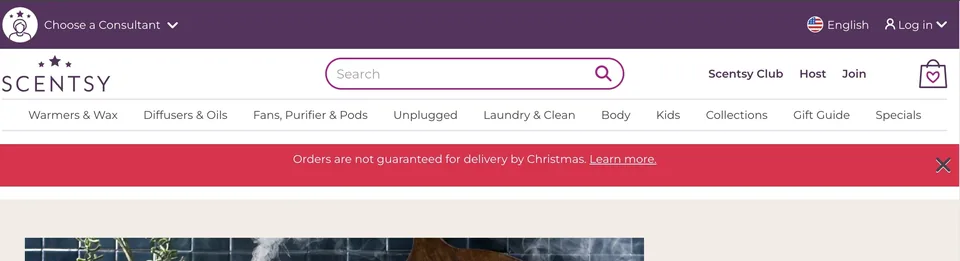
- Confirm the secure Scentsy-controlled hostname.
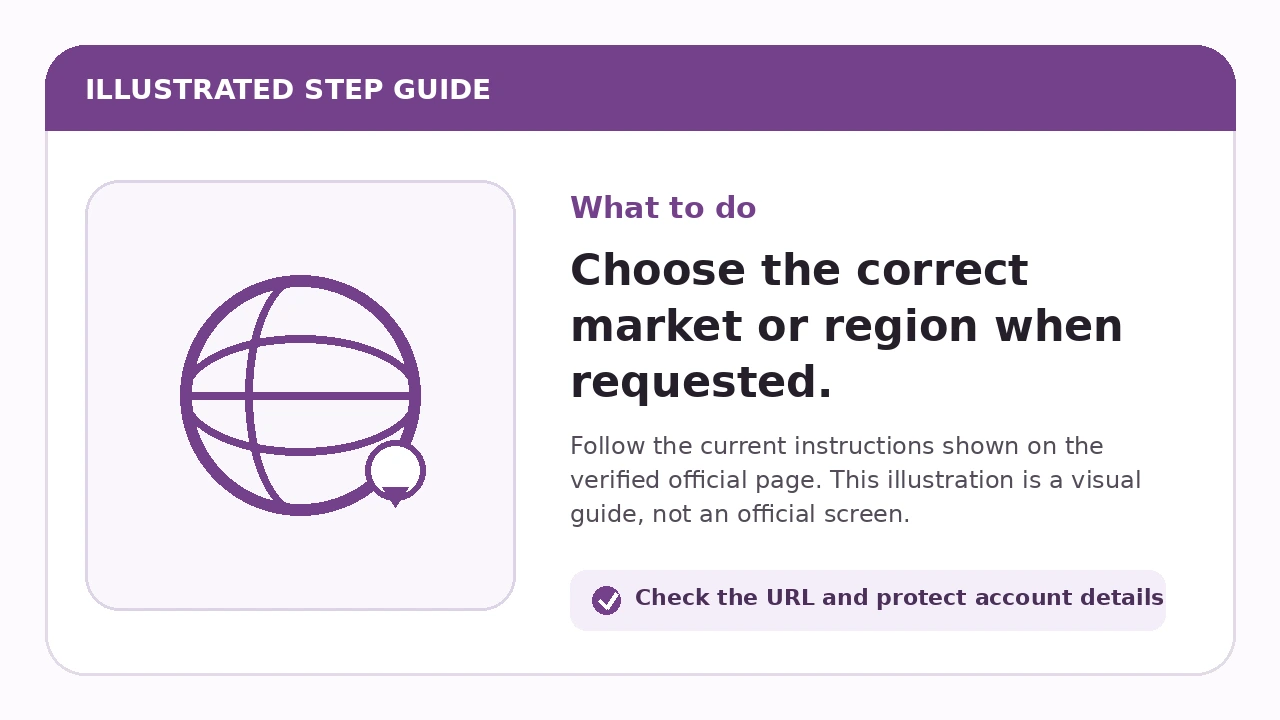
- Choose the correct market or region when requested.
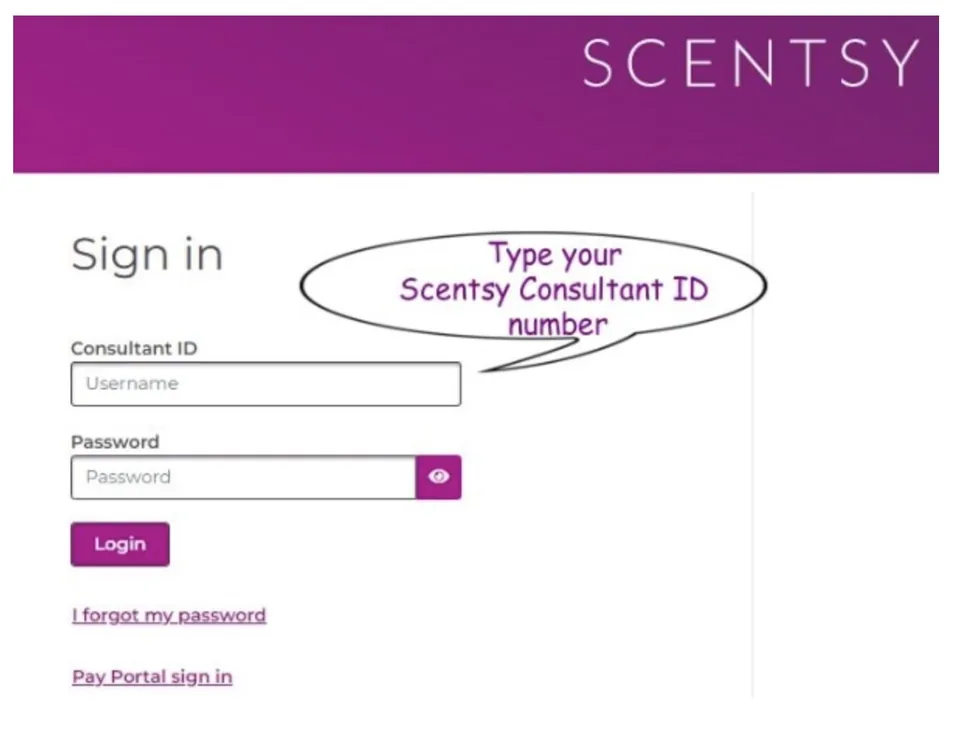
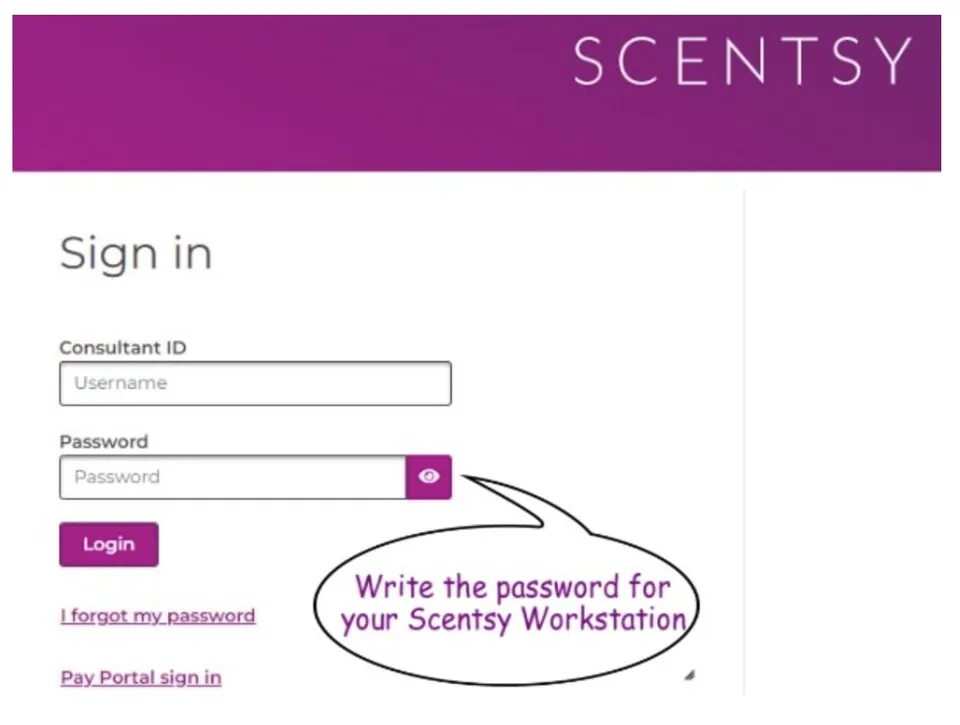
- Enter the account identifier requested by the official page.
- Enter the current Workstation password.
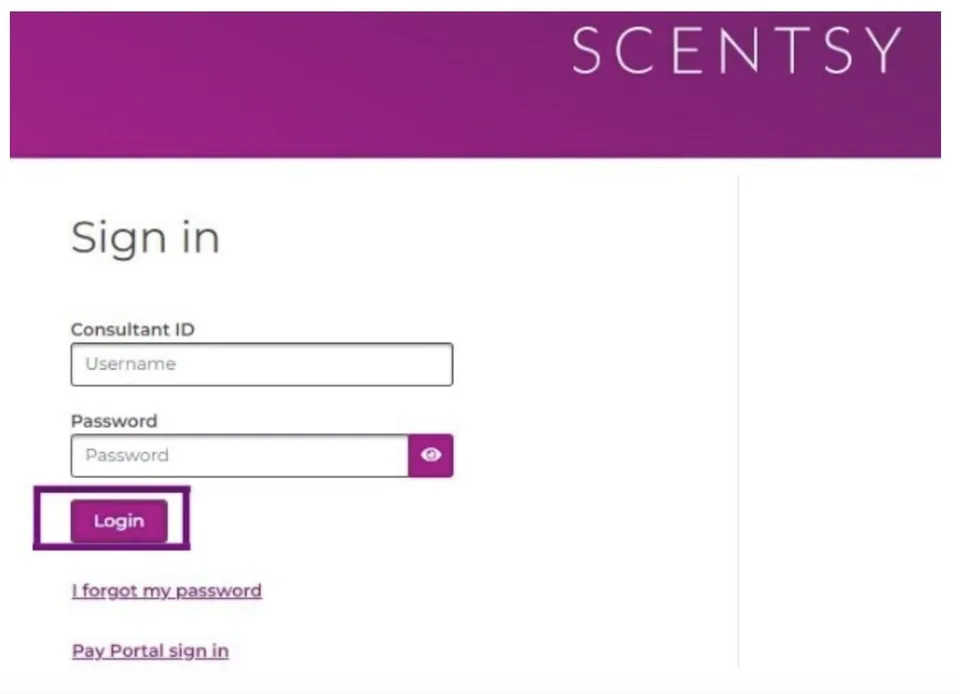
- Select Sign in and wait for the dashboard.
- Verify the dashboard before opening business tools.
For related guidance, use the How to Reset Your Scentsy Workstation Password.
Use the steps below in order. The preserved screenshots highlight the fields and controls that matter; always follow the current wording on the official page.
What You Should See After Login
A successful login opens the consultant dashboard. Available tools can include orders, customer and party functions, reports, training, Personal Website resources and market-specific announcements. Menu availability can vary by account and country.
For related guidance, use the Scentsy Consultant Login and Dashboard Access.
Exact Fixes When Login Fails
| Message or symptom | Action |
|---|---|
| Incorrect password | Stop guessing and use the official email-based reset. |
| Unknown account identifier | Contact the sponsor or Consultant Support. |
| Blank or spinning page | Clear Scentsy site data, disable VPN, allow cookies/JavaScript and test another browser. |
| Wrong market | Return to the official region choice and use the enrolled country. |
| Inactive account | Ask official support about status or reinstatement. |
Related help is available in the Scentsy Workstation Troubleshooting and the Scentsy Consultant Support and Account Help.
Security Check
This website never needs a password, Consultant ID, authentication code or Social Security number. If a login screen is not on a verified Scentsy-controlled destination, close it.
For related guidance, use the Scentsy Login Safety and Verification.
Session, Privacy and Support Details
A successful sign-in creates an authenticated session that can expose consultant and customer business information. Use a trusted device, do not leave the session open, and sign out through the official menu. On a shared computer, also remove saved credentials and close the browser.
When troubleshooting, distinguish browser failure from account failure. A page that works in a private window points to local site data or extensions. The same account error across devices points to account status, credentials or service availability. Record the exact message before contacting the sponsor or official support.
This independent page does not reproduce official credential fields. The visuals show each action and safe-domain check without storing or displaying real personal information.
Frequently asked questions
Is the Scentsy Consultant login page on this website an official account page?
No. This website provides independent instructions only. Use the linked official destination for any account action.
Can this site see my Workstation account?
No. There is no connection to Scentsy or Hyperwallet systems. Contact official support for account-specific information.
Should I enter my password on this website?
No. Credentials belong only on a verified official login page. Check the hostname before typing sensitive information.
What should I do when the instructions look different from my screen?
Follow the live official screen. Scentsy can change labels, menus and market-specific flows. Use the purpose of each step rather than forcing an outdated button name.
How current is this Scentsy Consultant login guide?
The guide is reviewed against public official sources. Private account screens can change without public notice. Use the last-verified date and report a mismatch through the corrections page.
Can a customer use this login?
No. Customers use the Scentsy shopping-account login, not consultant Workstation. Open the customer account page instead.
What do I do if the password is rejected?
Use the official Workstation password-reset page. Repeated guesses can make access harder and saved passwords may be stale. Reset with the registered email and contact support if the message does not arrive.
What do I do if I do not know the account identifier?
Contact the sponsor or official Consultant Support. Only Scentsy can verify the consultant account. Do not use sensitive personal-number shortcuts from old third-party articles.
Why does the dashboard look different?
Account menus vary. Country, rank, enrollment, permissions and product changes can affect the dashboard. Use the current official labels and contact support for a missing required tool.
Can I stay signed in on a shared device?
No. A consultant dashboard contains business and customer information. Sign out and remove saved credentials on shared devices.
Official and primary sources
Last verified: 2026-07-22
- Scentsy Workstation — Official Consultant Workstation entry point.
- Workstation password reset — The public reset form requests the email address associated with the Workstation account.
- Scentsy contact information — Current corporate/customer support routes.
- Join Scentsy support FAQ — Sponsor/team support and Consultant Support information.
Related guides
- Scentsy Workstation Login Guide for Consultants — Consultants should open the official Workstation page, verify the Scentsy-controlled domain, and enter credentials only there. Customers use the Scent
- How to Reset Your Scentsy Workstation Password — Open the official reset page, enter the registered email, use the trusted reset message and contact support when the email or account details cannot b
- Scentsy Workstation Troubleshooting — Match the exact symptom to the action below; use official support when the problem involves identity, status or permissions.
- Scentsy Consultant Support and Account Help — Start with the sponsor or team, then use official Consultant Support; use Pay Portal support for payout-account access.