Independent guide — never enter passwords, Consultant IDs, authentication codes or payment details on this website.
Scentsy Workstation first-time setup

How New Consultants Get Access to Scentsy Workstation

A consultant does not create Workstation access through a generic public sign-up page. Access follows official Scentsy enrollment and the welcome instructions supplied for the account.

Published: 2025-09-11 · Updated and verified: 2026-07-22

Quick answerEnroll through an official Scentsy join flow, follow the welcome instructions, then use the verified Workstation page.
Independent informational guide. This website is not owned, operated, endorsed or authorized by Scentsy, Inc. Enter account credentials only on a verified Scentsy-controlled website.

How New Consultants Get Workstation Access

  1. Choose Join on an official Scentsy consultant Personal Website or official join page.
  2. Confirm the correct country and legal eligibility.
  3. Review the current Starter Kit and fees.
  4. Read and accept the consultant agreement.
  5. Complete enrollment with accurate legal and contact information.
  6. Follow the welcome instructions for Workstation access.

Workstation access begins with official consultant enrollment rather than a public Workstation registration form.

Customer Account vs Consultant Enrollment

A customer can create a normal shopping account with a name, email and password. That account does not unlock Workstation. Consultant access requires official consultant enrollment.

First Workstation Login

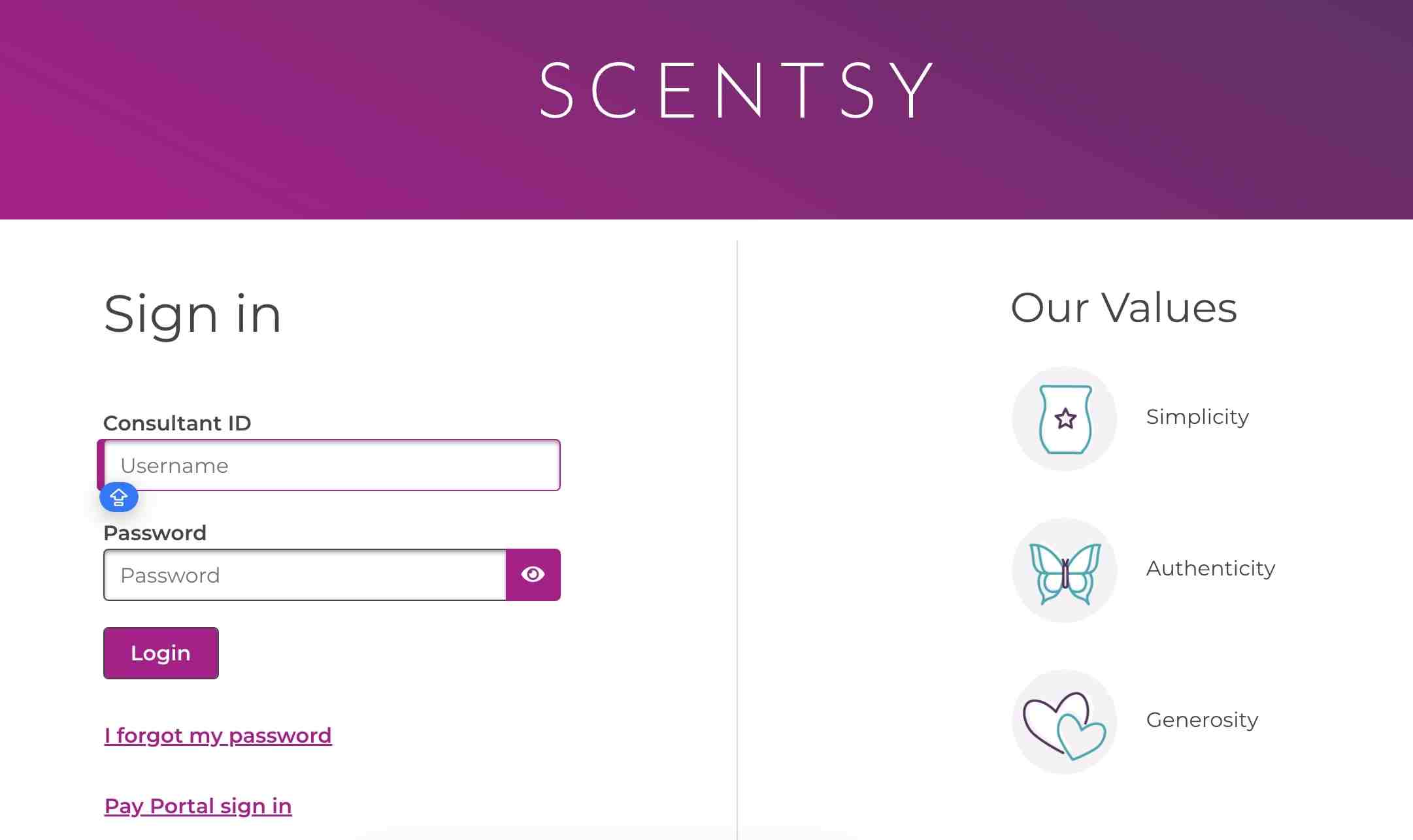
After access instructions arrive, use the official Workstation page and the account information Scentsy provides. Do not create credentials on an unofficial form.

When Setup Fails

Contact the sponsor for onboarding help. If enrollment status, email or account activation needs verification, use official Consultant Support.

Before You Pay for Enrollment

Read the current Starter Kit contents, shipping, tax, refund or cancellation terms, consultant agreement and market eligibility on the live official join page. Do not rely on a cached social post or an old article for kit price.

Review the compensation and income disclosure before treating the opportunity as income. Estimate ordinary business expenses and the time needed for selling, customer service and record keeping. Workstation access is a tool for an accepted consultant account; it is not evidence that a particular income result will occur.

Frequently asked questions

Is the new consultant setup page on this website an official account page?

No. This website provides independent instructions only. Use the linked official destination for any account action.

Can this site see my Workstation account?

No. There is no connection to Scentsy or Hyperwallet systems. Contact official support for account-specific information.

Should I enter my password on this website?

No. Credentials belong only on a verified official login page. Check the hostname before typing sensitive information.

What should I do when the instructions look different from my screen?

Follow the live official screen. Scentsy can change labels, menus and market-specific flows. Use the purpose of each step rather than forcing an outdated button name.

How current is this new consultant setup guide?

The guide is reviewed against public official sources. Private account screens can change without public notice. Use the last-verified date and report a mismatch through the corrections page.

Can anyone create a Workstation account?

No. Workstation access follows accepted consultant enrollment. Use the official join process rather than a public customer registration.

Do I need a Starter Kit?

The official join page says a Starter Kit is normally required, with market-specific exceptions. Kit prices and contents can change. Check the live official join page before paying.

Can I join without a sponsor?

Use the official Scentsy join flow to be connected through the approved process. Sponsor and market rules are controlled by Scentsy. Do not pay an unrelated third party for account creation.

When will Workstation access start?

Follow the account instructions sent after accepted enrollment. There is no public universal activation timetable for every market. Ask the sponsor or Consultant Support if access details are missing.

Can this site enroll me?

No. It is independent and cannot create consultant accounts. Complete enrollment only on an official Scentsy-controlled page.

Official and primary sources

Last verified: 2026-07-22

Join ScentsyEnrollment, Starter Kit, consultant responsibilities, PRV, party plan and official support.
Compensation and Income DisclosureOfficial compensation terminology and income disclosure.
Scentsy WorkstationOfficial Consultant Workstation entry point.
Workstation password resetThe public reset form requests the email address associated with the Workstation account.
Scentsy contact informationCurrent corporate/customer support routes.

Related guides